MAP 10
Automation you control
The AI only acts at the level you allow, action by action.
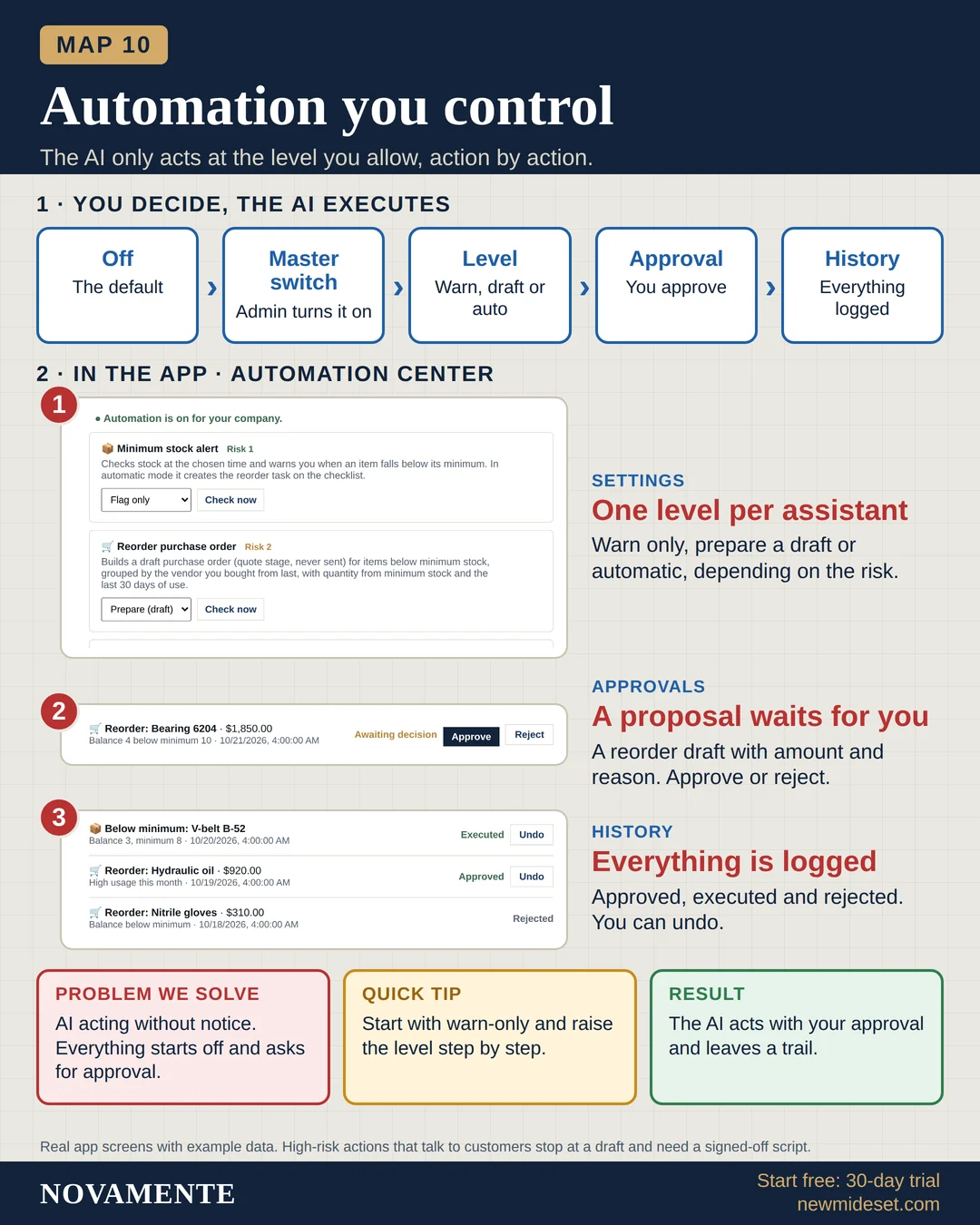
You decide, the AI executes
- OffThe default
- Master switchAdmin turns it on
- LevelWarn, draft or auto
- ApprovalYou approve
- HistoryEverything logged
In the app · Automation Center
SettingsOne level per assistant
Warn only, prepare a draft or automatic, depending on the risk.
ApprovalsA proposal waits for you
A reorder draft with amount and reason. Approve or reject.
HistoryEverything is logged
Approved, executed and rejected. You can undo.
Problem we solve
AI acting without notice. Everything starts off and asks for approval.
Quick tip
Start with warn-only and raise the level step by step.
Result
The AI acts with your approval and leaves a trail.
Real app screens with example data. High-risk actions that talk to customers stop at a draft and need a signed-off script.