MAP 02
Purchasing with approval
Who requests does not approve. A received purchase becomes stock and a payable.
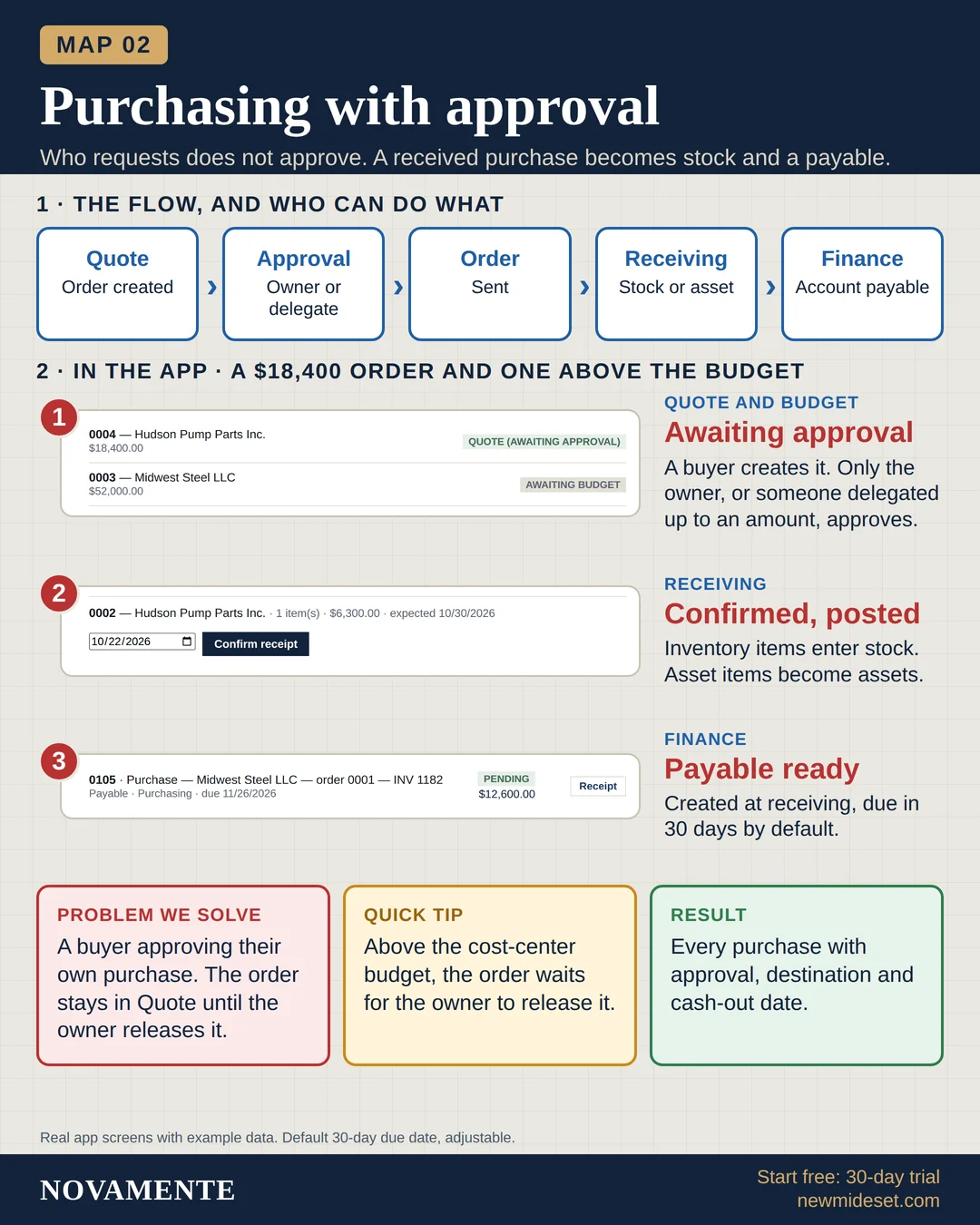
The flow, and who can do what
- QuoteOrder created
- ApprovalOwner or delegate
- OrderSent
- ReceivingStock or asset
- FinanceAccount payable
In the app · a $18,400 order and one above the budget
Quote and budgetAwaiting approval
A buyer creates it. Only the owner, or someone delegated up to an amount, approves.
ReceivingConfirmed, posted
Inventory items enter stock. Asset items become assets.
FinancePayable ready
Created at receiving, due in 30 days by default.
Problem we solve
A buyer approving their own purchase. The order stays in Quote until the owner releases it.
Quick tip
Above the cost-center budget, the order waits for the owner to release it.
Result
Every purchase with approval, destination and cash-out date.
Real app screens with example data. Default 30-day due date, adjustable.